
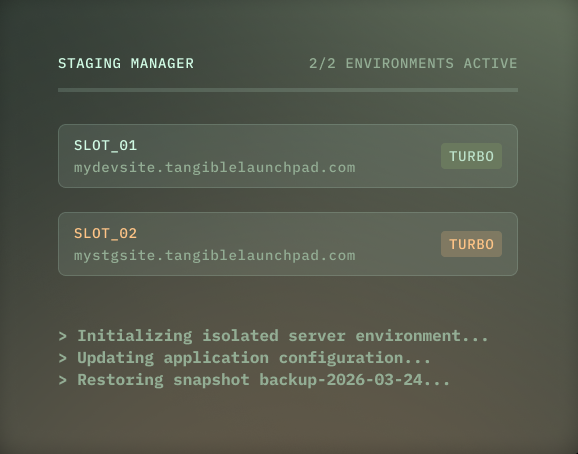
Two full-power environments, included
Most hosts either charge $20 per month extra for each “premium” resource-matched staging (if they offer them at all), or give you underpowered environments that can’t reliably run your LMS stack. We give you two, and both run at the same resource allocation as your live site.
LearnDash, LifterLMS, MemberPress, every LMS and membership plugin is resource-intensive under realistic load. A staging environment that’s too slow to navigate and can’t be used for load testing is next to useless.
“I’ve been happy with how fast staging environments sync and how easy it is to just download logs and open those up. That’s certainly different from my experience with Kinsta.”
When you buy a TangibleXP hosting plan, you’re effectively getting three fully-resourced WordPress installations for the price of one: your live site, and two staging environments ready to run whatever you throw at them.
Two slots, parallel workflows
Having two staging environments solves a coordination problem. You can build and test new features in one environment without it interfering with without disrupting routine update testing (plugins, themes, core) on the other. Staging sites can be created based on any backup snapshot in your 30-day rolling window, allowing you to reproduce a bug from last Tuesday, or test a migration against pre-incident data.
Isolated by design
Your staging environments run on physically separate servers from your live site. They share nothing.
A staging environment that shares infrastructure with production creates a risk that heavy testing activity degrades your live site’s performance.
With TangibleXP staging, what happens on staging stays on staging. Your live site is unaffected, regardless of what you’re running or how hard you’re pushing the test environment.
No staging-to-live push
Most hosting platforms offer a one-click button to push your staging database to your live site. We don’t.
For a brochure site, overwriting the live database from staging is a reasonable workflow. For a course or membership site, it’s almost always catastrophic.
Your live database holds constantly updating student progress, enrollment records, membership status, subscription history, and purchase data. One wrong click from a team member who doesn’t fully understand the implications, and that data is gone.
If you need to manually migrate specific data or run a wp db import, you can, but we decided not to put a one-click option in front of people that could cause mayhem on a busy platform.
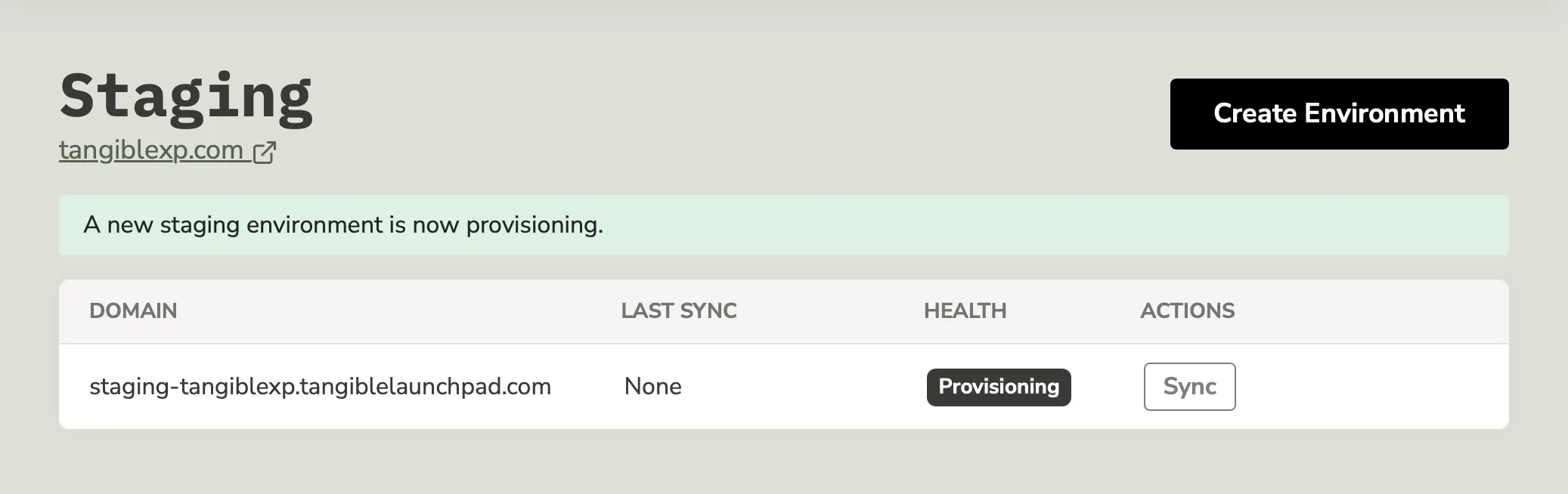
What you get
2 staging environments per application
included in every planFull resource allocation
same specs as your live sitePhysical server isolation
staging activity never affects live performanceSnapshot-based creation
spin up from any backup, not just the latestPHP version selection
test on a different PHP version before upgrading liveSeparate phpMyAdmin access
for each environmentIndependent SMTP/mail settings
per environment, and automatic disabling of emails on new staging sites when you configure SMTP via our panel